
Hercules: Set Media to Off Site
If you are experiencing the problem of Hercules requesting tapes that you no longer want to use a simple solution is to set that media as remote site with the following instructions.
- When looking at the Hercules GUI select the tab that says Media
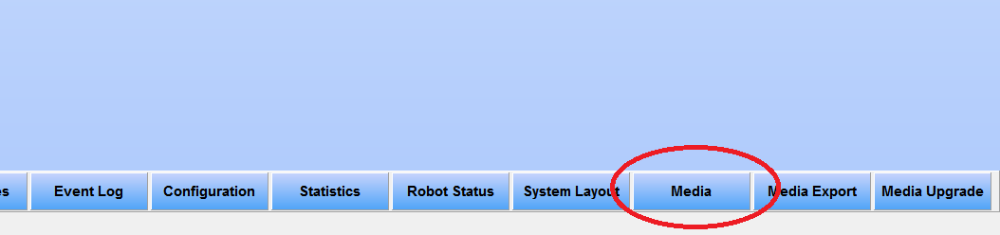
-
In the Right hand plane of the media window find the media name that you would like to set as "remote site"
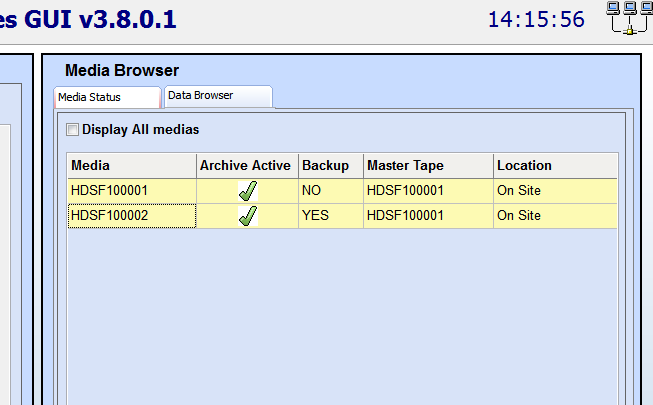
-
Under the location column, left click where it says On Site and select Remote Site
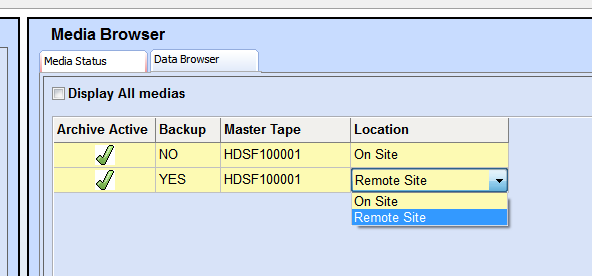
-
Save your changes and back out to the main page and you are finished
