
Dataviewer: Preferences Menu
Basic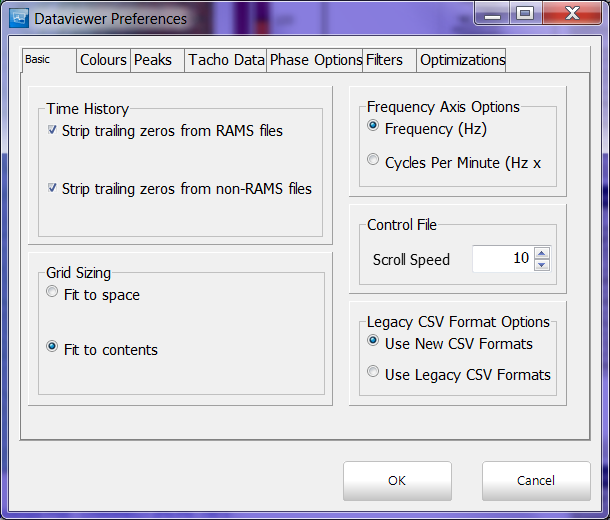
- Time History
- Strip trailing zeros from RAMS files
- Strip trailing zeros from non-RAMS files
- Grid Size
- Fit to space
- Fit to contents
- Frequency Axis Options
- Frequency (Hz)
- Cycles Per Minute (Hz x min)
- Control File
- Scroll Speed
- Legacy CSV Format Options
- Use New CSV Formats
- Use Legacy CSV Formats
Colours

The colours tab allows the user to change the default color map that Aurora uses when displaying Zmod files. Also allows user to change the color of tracked features.
Peaks
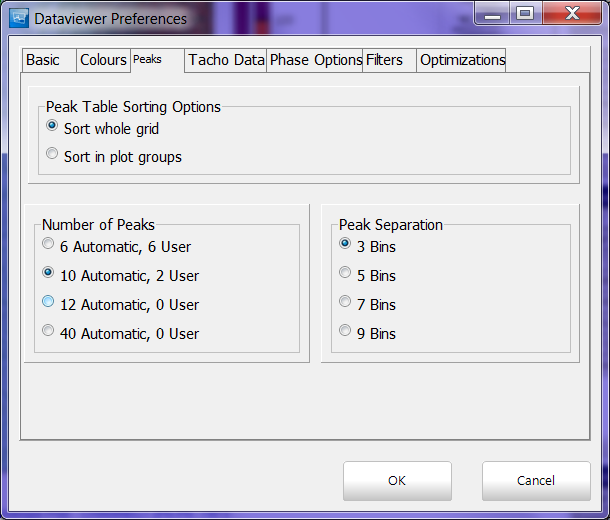
The peaks tabs allows the user to alter how the software picks its peaks in the data.
- Peak Table Sorting Options
- Sort whole grid
- Sort in plot groups
- Number of Peaks
- 6 automatic, 6 user - displays 6 overall peaks and 6 peaks from the user cursor
- 10 automatic, 2 user - displays 10 overall peaks and 0 peaks from the user cursor
- 12 automatic, 0 user - displays 12 overall peaks and 0 peaks from the user cursor
- 40 automatic 0 user - displays 40 overall peaks and 0 peaks from the user cursor
Tacho Data
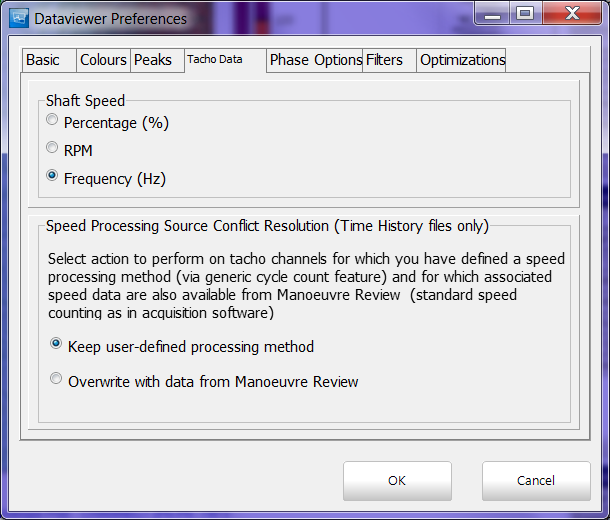
Allows the user to change how the shaft speed is displayed, choosing between Percentage, RPM, and Frequency.
Phase Options

Gives the user the option to change the phase calculation method as centered (-180 to 180 degree), lagging (0 to 360 degrees) or leading (-360 to 0 degrees).
The user may also specify a fixed phase offset. This is useful when defining the angle between top dead center and the pick up point of a once per rev.
Filters
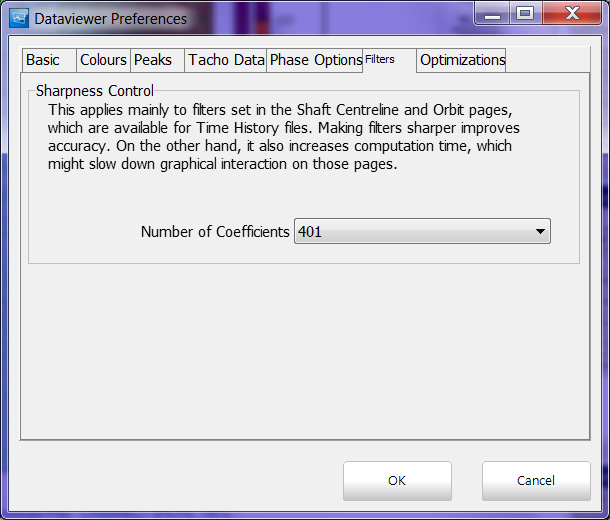
Allows the user to adjust the number of coefficients used by the software this mainly effects Shaft Centerline and Orbit pages in Time History files.
Optimizations

When navigating the database tree to select a file to open this option if nodes are switched ie. going from one Engine to another it will collapse the Engine branch that is no longer being used.